

When you first start booking photography clients, most of your energy goes into the creative side. You’re refining your editing style, building your portfolio, and figuring out how to attract the right people. What usually sneaks up on you is everything that comes after the shoot.
Suddenly, you’re asking questions like: How do I deliver photos professionally? What’s the best way to organize galleries? How do I make this feel polished without making it complicated?
A lot of photographers default to Google Drive or Dropbox in the beginning, and that makes sense. It’s familiar. It’s quick. It feels like “good enough.” But once you start delivering paid work, you realize photo delivery isn’t just a technical part of the process, but really a creative one.
If you’ve been searching for the best online gallery for photographers, especially one that feels elevated, functional, and easy to use, this guide will walk you through why Pic-Time has become my go-to choice and why it continues to support my business year after year!
Why Choosing the Best Online Gallery for Photographers Actually Matters
Photo delivery is one of the final touchpoints your client has with you, and it’s often the moment they remember most. It’s when they see their images for the first time, share them with loved ones, and decide whether they trust you enough to order prints or albums.
The best online gallery for photographers does more than store files. It helps you:
- Deliver photos to clients clearly and professionally
- Reduce confusion and follow-up emails
- Create an experience that matches the quality of your work
- Open the door to print and album sales without pressure (and passively, which is a huge win!)
When galleries feel cluttered, confusing, or impersonal, it affects how clients perceive your brand, even if the photos themselves are strong. A thoughtful photography client gallery helps your work land the way it deserves to.
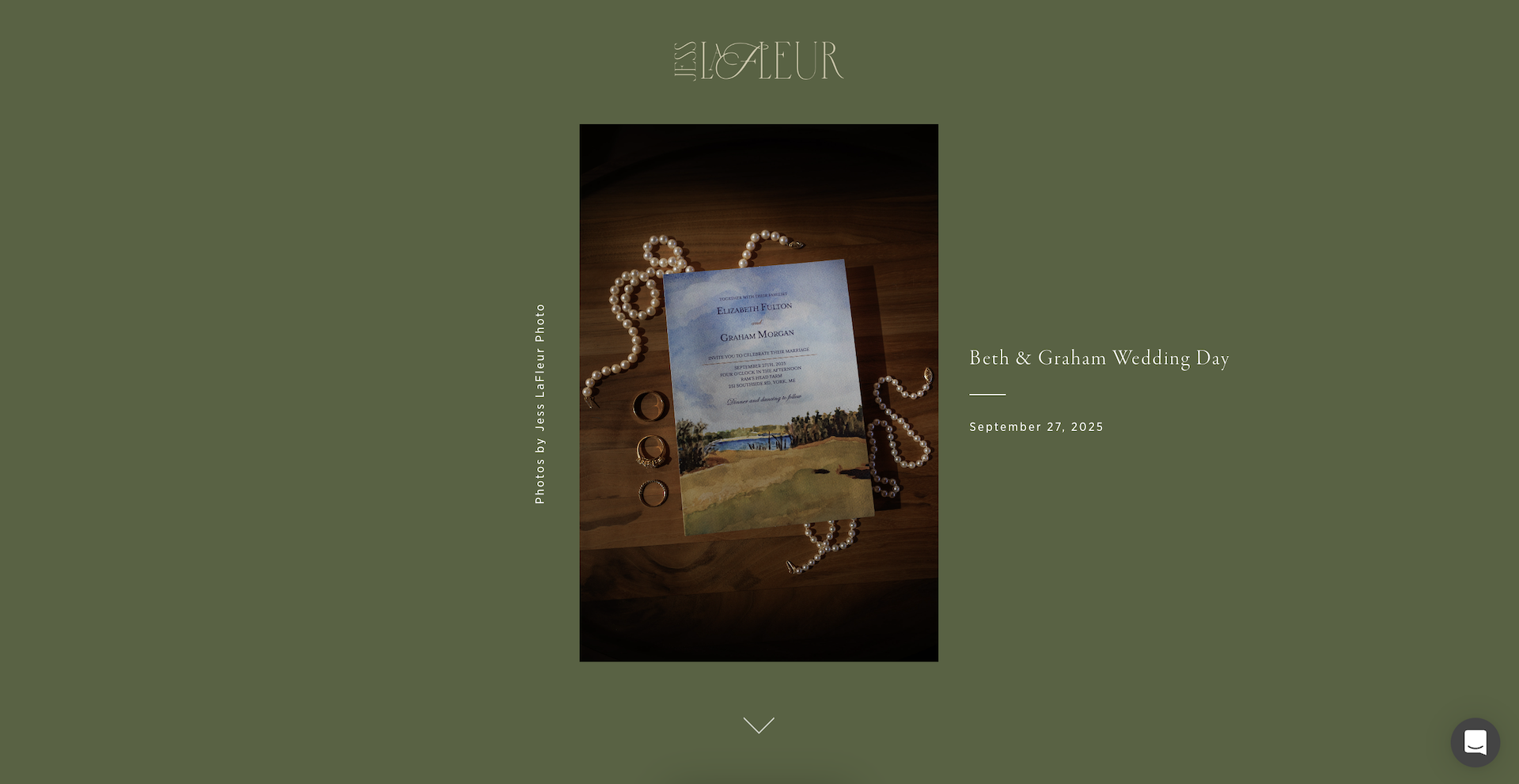
Why Google Drive Isn’t the Move for Photographers in 2026
Let’s be honest for a second, Google Drive works for sharing files, but it was never designed for photographers delivering client galleries.
Here’s what usually happens with Drive or Dropbox:
- Clients feel overwhelmed by folders and file names
- Downloads don’t always work smoothly on mobile
- There’s no sense of story or flow to the images
- You can’t sell prints or albums directly
- You end up answering extra emails just to explain where things are
There’s nothing wrong with starting this way, but once you’re running a photography business, online photo delivery should feel intentional. The way you deliver photos to clients should reflect the care you put into creating them!
That’s where a true photography gallery software changes everything.
Why Pic-Time Is the Best Online Gallery for Photographers (From Real Experience)
I’ve been using Pic-Time for years, and what initially drew me in wasn’t just the design. It was how naturally it fit into the way photographers actually work.
Pic-Time is built for photographers who care about presentation, organization, and long-term client experience. Galleries feel clean and calm, your images are easy to navigate, clients aren’t guessing what to do next, and it looks good! Like seriously, the aesthetic of Pic Time is my favorite!
If you want to explore it yourself, you can try Pic-Time using my referral link here! This gives you a free month to test it out, which is more than enough time to see how it fits into your workflow!
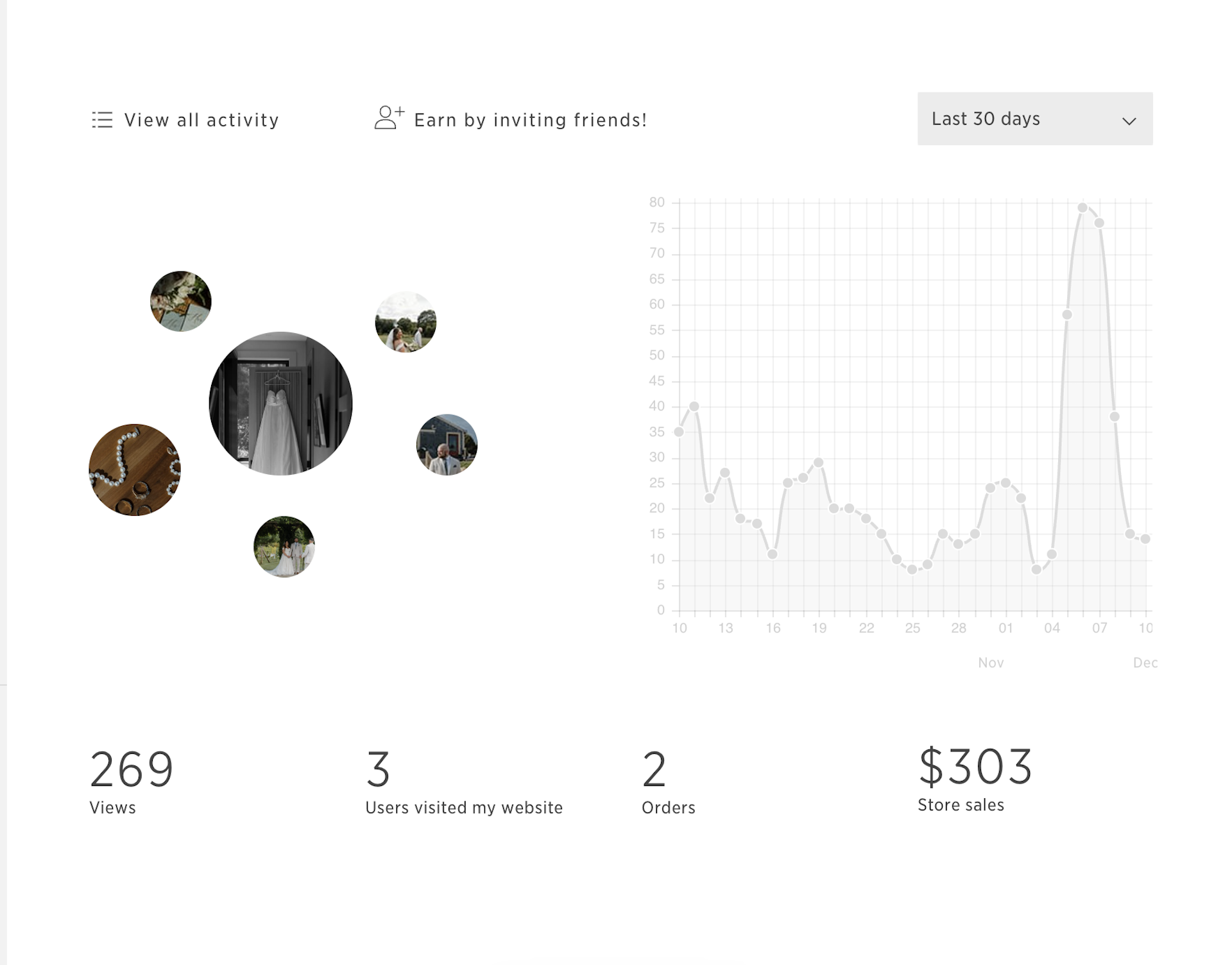
What You Can Do With Pic-Time as a Photographer
Deliver Photos to Clients in a Way That Feels Elevated
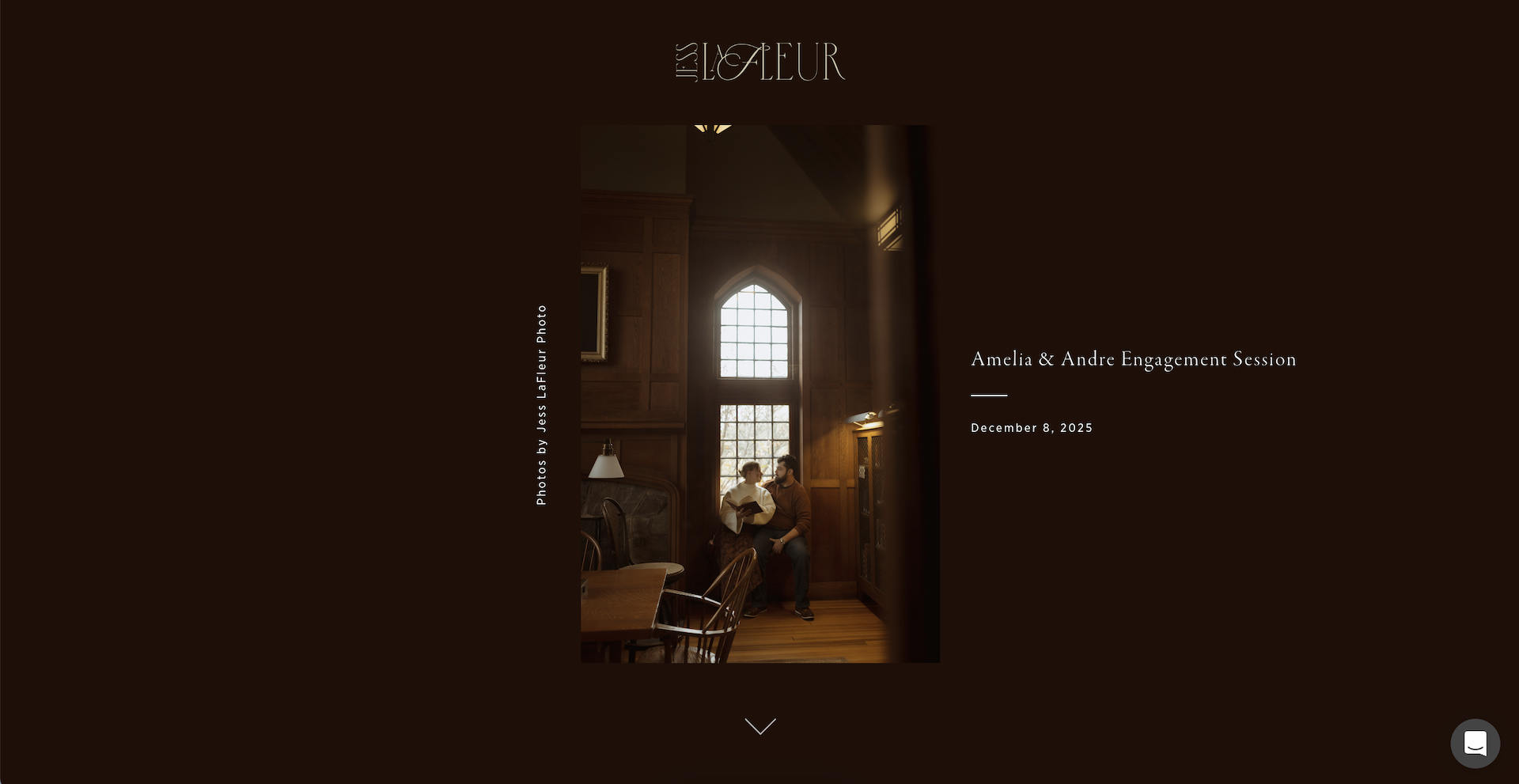
Pic-Time galleries are designed to guide clients through their images, not dump everything on them at once. Moments are grouped naturally, the layout feels intentional, and the experience works beautifully on both desktop and mobile.
Clients don’t need instruction; they just open their gallery and enjoy it!
Create a Seamless Photography Client Gallery Experience
Each gallery feels like its own space. Clients can:
- View images easily
- Favorite moments
- Download their photos
- Order prints without leaving the gallery
This removes friction and helps clients stay present with the images instead of getting distracted by logistics.
Protect Your Work Without Making It Complicated
You can control download permissions, expiration dates, and sharing options without making clients jump through hoops. Everything is built in, so you’re not managing this manually for every gallery!
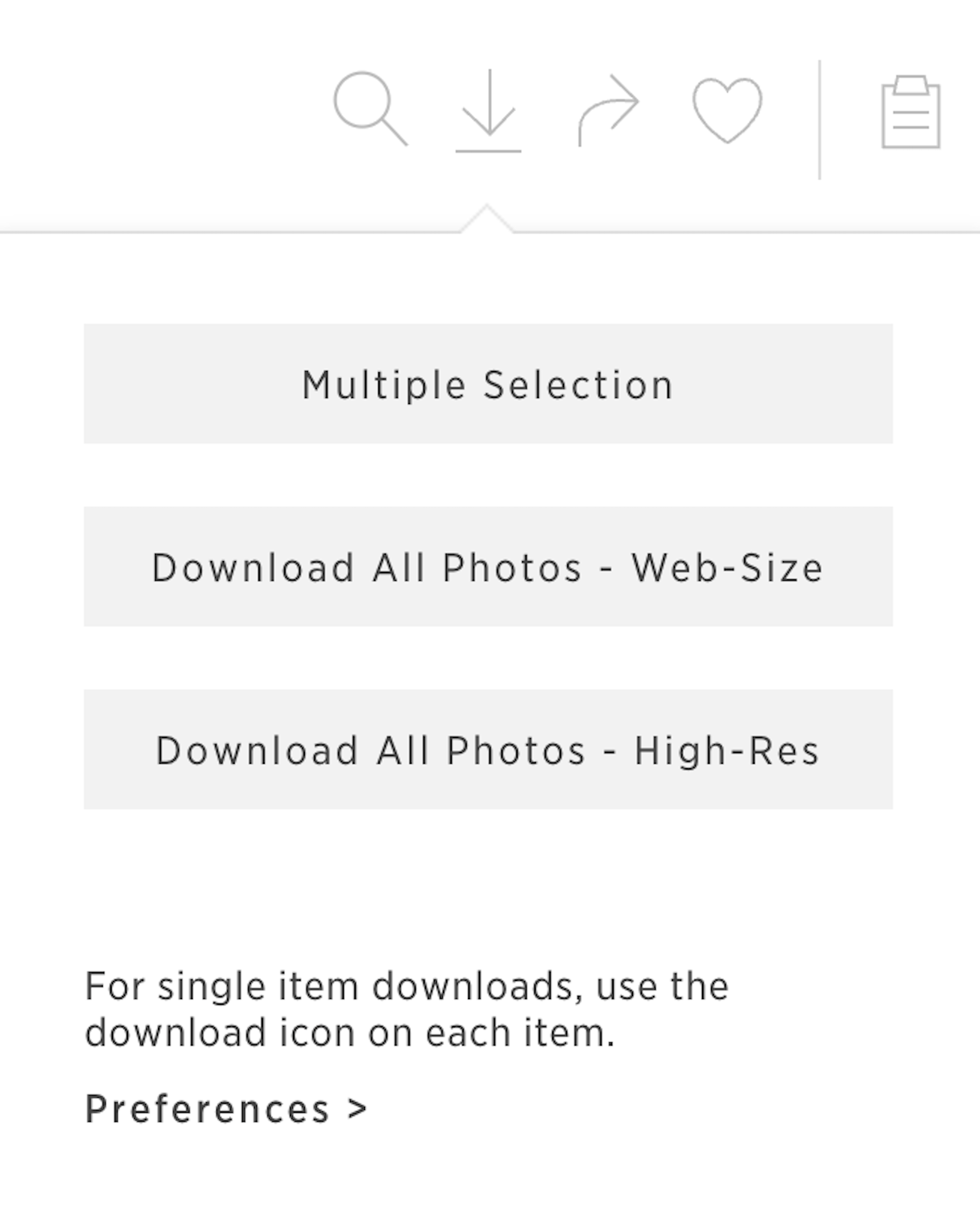

How Pic-Time Helps Photographers Generate Passive Income
This is the part many photographers overlook, and it’s honestly the best part! Pic-Time isn’t just a delivery platform; it’s also a built-in sales system! You can automate print and album campaigns that quietly work in the background.
Some examples:
- Holiday print reminders
- Anniversary galleries
- Limited-time album offers
Once these campaigns are set up, Pic-Time runs them automatically. Many photographers, myself included, find that print sales alone can cover the cost of the membership over time.
And yes, you can set this up during your free month using my referral link!
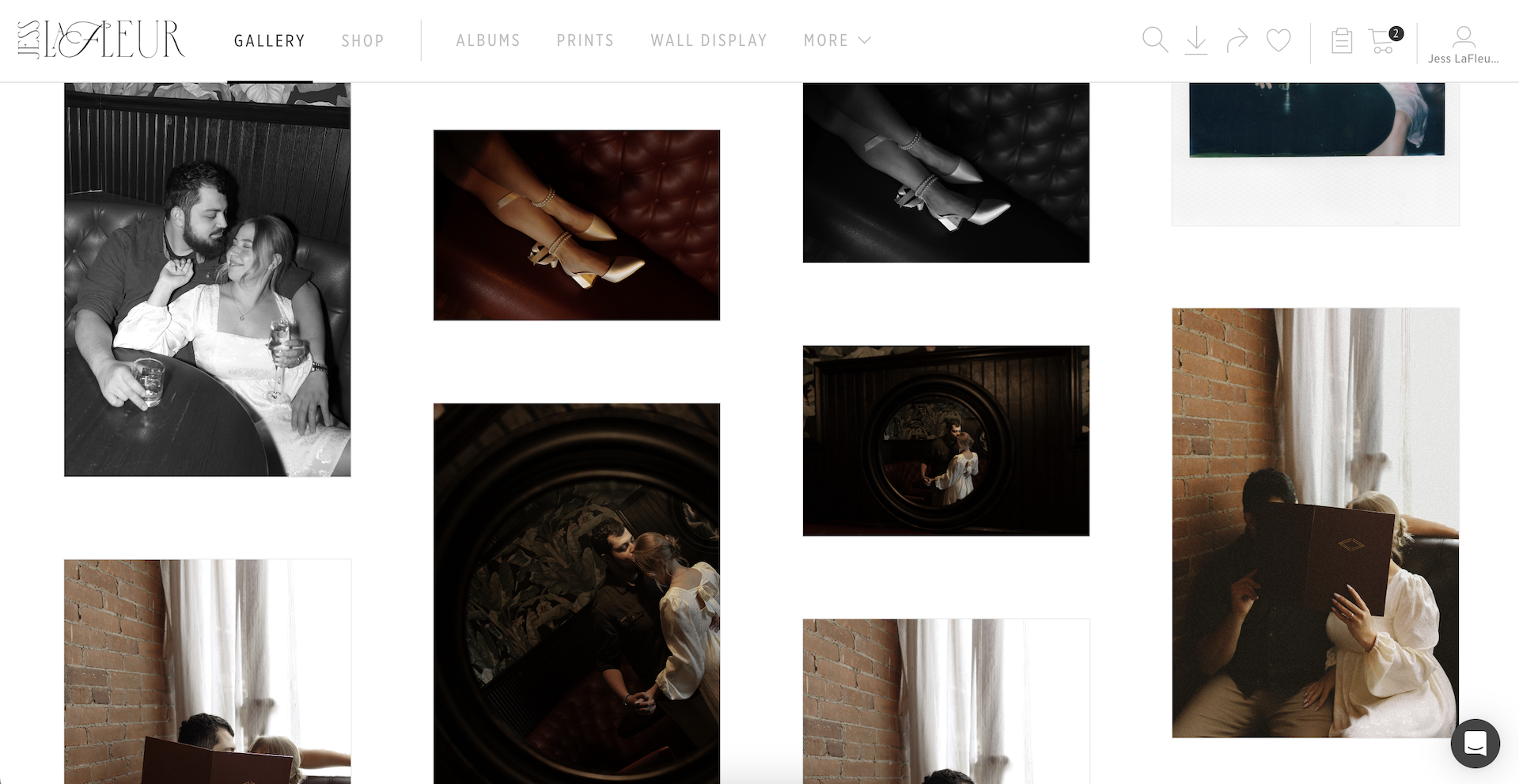
Automation That Actually Supports Your Workflow
Automation doesn’t mean losing connection. It means removing repetitive tasks that don’t need your personal energy.
Pic-Time allows you to:
- Schedule gallery release emails
- Automate print campaigns
- Send reminders without manual follow-ups
This pairs especially well with a CRM like HoneyBook, where contracts, invoices, and communication live. If you want to understand that side of your workflow better, I shared a full breakdown in last week’s blog: Why HoneyBook Works So Well as a CRM for Businesses
Together, these tools create a system that feels calm instead of chaotic!
Is Pic-Time Easy to Set Up for New Photographers?
Yes, and this is important!! You don’t need to set everything up at once. In fact, I recommend starting simple:
- Upload one gallery
- Customize basic branding
- Enable downloads
- Leave print sales off until you’re ready
Once you’re comfortable, you can explore albums, campaigns, and advanced features. Pic-Time grows with you instead of forcing you to learn everything on day one!
Who Pic-Time Is a Great Fit For
Short answer: photographers, but Pic-Time works especially well for:
- New photographers delivering paid work
- Wedding and portrait photographers
- Creatives who care about client experience
Photographers who want print income without pushy sales
It may not be the best fit if you’re only sharing casual photos or never plan to sell prints, but for most professional photographers, it checks all the right boxes.
FAQs About the Best Online Gallery for Photographers
How soon should I stop delivering galleries through Google Drive or Dropbox?
As soon as you’re delivering paid work! Even if you’re early in your photography business, using a professional gallery platform helps set expectations, protect your work, and create a smoother experience for your clients. You don’t have to wait until you’re “established” to run things in a way that makes you proud.
Do clients find Pic-Time easy to use?
Yes, and that’s one of the biggest reasons I love it! Clients don’t need instructions or walkthroughs. They open their gallery, scroll through their images, favorite what they love, download files, and order prints without confusion or extra steps.
Can I control how and when clients download their photos?
Absolutely! Pic-Time lets you choose download permissions, expiration dates, and sharing options for each gallery. You stay in control without making clients jump through hoops or ask for access.
Do I have to sell prints and albums through Pic-Time?
Nope! You can turn print sales on or off at any time. Many photographers start with simple gallery delivery and add print sales later once they feel comfortable. The nice part is that the option is there whenever you’re ready.
Is Pic-Time secure for client galleries?
Yes! Pic-Time is built specifically for professional photographers, which means galleries are password-protected, hosted securely, and designed to keep your work safe while still being easy for clients to access.
Can Pic-Time work alongside my CRM?
Definitely! Pic-Time pairs really well with CRMs like HoneyBook. HoneyBook handles inquiries, contracts, invoices, and communication, while Pic-Time handles gallery delivery and print sales. One thing I love is that you can actually integrate Honeybook with Pic-Time, which not all online galleries offer! Together, they create a backend system that feels organized instead of overwhelming (these two platforms are my top business must-haves!)
How long does it take to get comfortable using Pic-Time?
Most photographers feel comfortable after delivering just one or two galleries. You don’t need to explore every feature right away. Start with uploading galleries and customizing your branding, then build from there as your business grows.
Final Thoughts on Choosing the Best Online Gallery for Photographers
Running a photography business isn’t just about creating strong images. It’s about building an experience that feels organized, intentional, and trustworthy from start to finish.
Choosing the best online gallery for photographers helps you deliver photos in a way that supports your brand, saves time, and opens the door to additional income without adding stress.
If you want to see how Pic-Time fits into your workflow, you can try it using my referral link here! And if you’re looking to build stronger systems beyond galleries, you might also enjoy:
- Exploring more business education on my blog
- Reading about how I manage contracts and payments with HoneyBook
- Getting to know my approach to photography and client experience here!
You don’t need to build everything at once; just start with one gallery, give it some time to get easier, and then grow from there!


